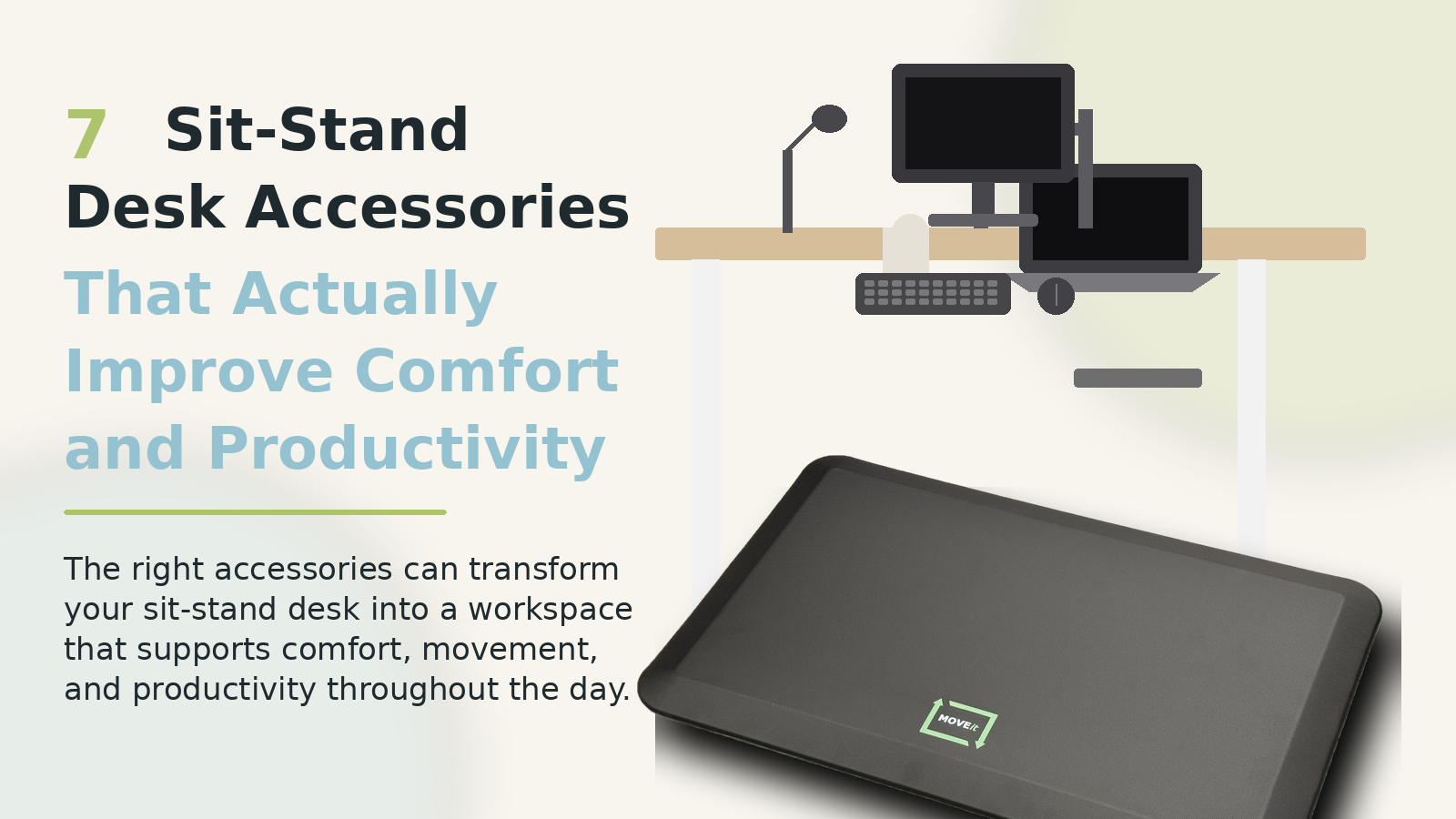
7 Sit-Stand Desk Accessories That Actually Improve Comfort and Productivity
Investing in a sit-stand desk is one of the best ways to create a healthier, more ergonomic workspace. But many people quickly realize that the desk alone doesn’t solve everything.
Discomfort, fatigue, clutter, and awkward transitions between sitting and standing can still make it difficult to stay productive throughout the day.
The right accessories can completely transform your workspace experience. Here are seven sit-stand desk accessories that genuinely improve comfort, workflow, and productivity.
1. Adjustable Monitor Arm
One of the most overlooked ergonomic upgrades is a monitor arm.
Without proper screen positioning, many people end up:
looking down all day
straining their neck
rounding their shoulders
creating unnecessary tension
A quality monitor arm allows you to:
position your screen at eye level
easily adjust viewing angles
free up desk space
improve posture while sitting and standing
For dual-monitor setups, monitor arms become even more valuable because they create a cleaner and more flexible workspace.
2. Ergonomic Keyboard and Mouse
A standing desk won’t help much if your wrists and shoulders are constantly under tension.
Ergonomic keyboards and mice can reduce strain during long work sessions by helping your hands and arms stay in a more natural position.
Look for:
split or low-profile keyboards
vertical mice
wrist support
wireless setups for easier desk movement
Comfort in small repetitive movements adds up significantly over the course of a workday.
3. Cable Management Solutions
Messy cables become even more frustrating with sit-stand desks because cords move constantly as the desk changes height.
Cable trays, under-desk organizers, and adhesive routing clips help:
reduce visual clutter
prevent cords from snagging
improve safety
create a cleaner, more professional setup
A streamlined workspace often improves focus more than people expect.
4. Proper Desk Lighting
Lighting has a major impact on both productivity and fatigue.
Poor lighting can contribute to:
eye strain
headaches
reduced concentration
mental fatigue
A quality desk lamp with adjustable brightness and color temperature helps create a more comfortable work environment throughout the day.
Warm lighting often works better later in the evening, while cooler lighting can improve alertness during focused work sessions.
5. Foot Support and Lower Body Comfort
Standing for long periods on hard flooring can quickly become uncomfortable.
Many people try to solve this with a traditional anti-fatigue mat, but standard mats often create a different problem: they don’t work well with sit-stand desks.
Most standing mats are heavy, awkward to reposition, and inconvenient during transitions between sitting and standing. Over time, many users simply stop moving the mat altogether.
That friction matters more than people realize.
6. A Movable Standing Mat Designed Specifically for Sit-Stand Desks
This is where a purpose-built movable standing mat can make a major difference.
Unlike traditional anti-fatigue mats that stay fixed in place, the MOVEit Mat was specifically designed to move easily with your feet as you transition between sitting and standing.
That means:
smoother transitions throughout the day
less interruption to workflow
easier movement around your workspace
a cleaner and more flexible setup
Instead of becoming another obstacle in your office, the mat becomes part of the natural movement of your workspace.
For people who regularly alternate between sitting and standing, reducing transition friction is often one of the biggest improvements they can make to their setup.
7. Supportive Flooring or Footwear
Even with a quality standing mat, supportive shoes and flooring still matter.
Hard surfaces like concrete or hardwood can increase fatigue over time, especially during long standing sessions.
Comfortable, supportive footwear can help reduce pressure on:
knees
hips
lower back
feet
Small ergonomic improvements across multiple areas of your workspace often create the biggest overall difference.
Creating a Better Sit-Stand Workspace
The best sit-stand desk setups aren’t just about the desk itself. They’re about creating an environment that makes movement, comfort, and productivity easier throughout the day.
The right accessories can help:
reduce fatigue
improve posture
simplify transitions
create a cleaner workspace
support long-term comfort
And when it comes to standing desk mats, choosing one designed specifically for sit-stand desk movement can make a bigger impact than most people expect.
Learn more about the MOVEit Mat and how it was designed to make sit-stand desk transitions easier and more natural.